Best Node.js Hosting Platforms for Production SaaS Apps in 2026
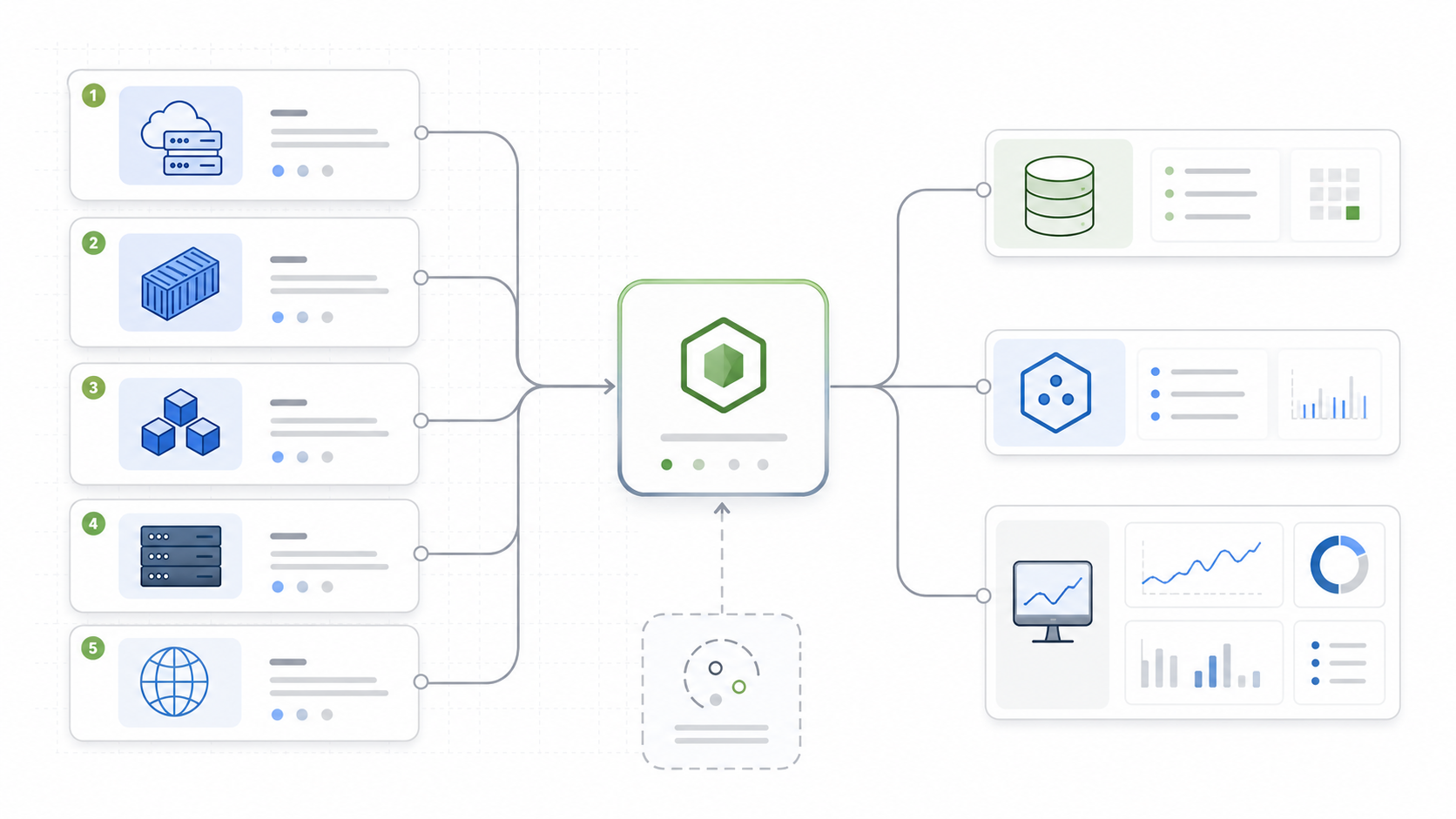
Choosing where to host a production Node.js SaaS app is no longer a simple “where can I run npm start?” decision. The real choice is about platform help, bill predictability, background workers, WebSockets, database access, logs, scaling controls, and how quickly your team needs to ship without becoming a cloud operations team.
This guide compares practical hosting options for production Node.js apps in 2026: Render, Railway, Fly.io, Heroku, DigitalOcean App Platform, Vercel, and a plain VPS. It is written for developers, indie founders, and small-team CTOs who need a decision framework rather than another basic deployment tutorial.
How to Think About Node.js Hosting
A production Node.js app usually needs more than a runtime. Even a small SaaS product may include an API, a managed database, background workers, webhooks, logs, metrics, preview environments, rollback support, and a plan for traffic spikes. That is why the hosting decision should start with workload shape:
- Serverless-first apps need fast deploys, good framework support, and careful cost monitoring.
- Traditional API servers need always-on processes, health checks, logs, and horizontal scaling.
- Worker-heavy SaaS products need background processes, queues, cron jobs, and predictable memory.
- Global real-time apps may care more about latency, regions, networking, and WebSocket behavior.
- Budget projects may prioritize fixed monthly pricing over managed convenience.
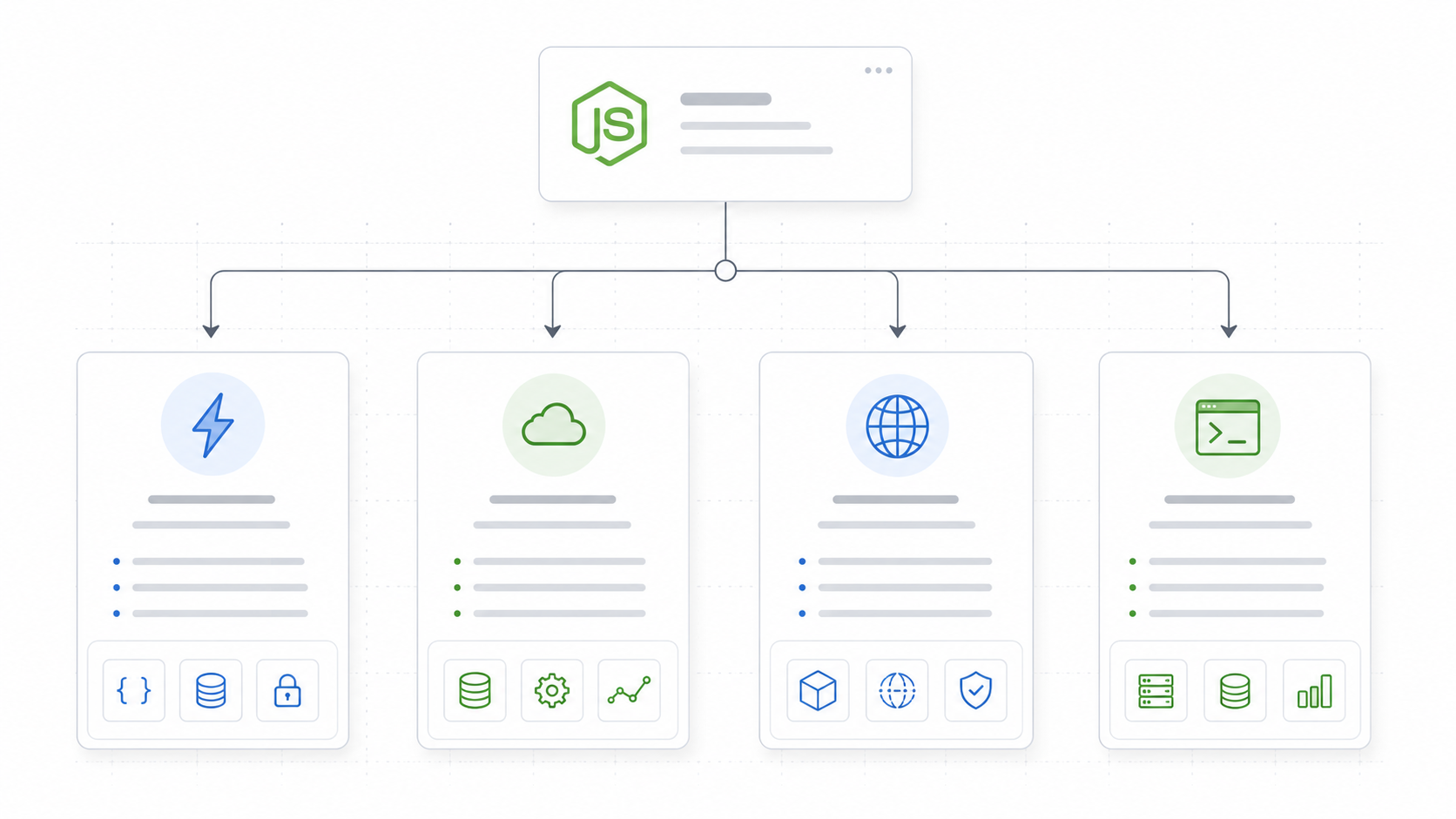
The right answer is rarely universal. A founder shipping a Stripe-powered MVP may love Railway. A team running a mature API with workers may prefer Render or Heroku. A latency-sensitive app may fit Fly.io. A frontend-heavy Next.js SaaS may feel natural on Vercel.
Before diving into each platform, run through this simple checklist for your own app:
interface HostingRequirements {
  alwaysOnProcesses: boolean;
  backgroundWorkers: boolean;
  cronJobs: boolean;
  websockets: boolean;
  managedDatabase: boolean;
  multiRegion: boolean;
  previewEnvironments: boolean;
  fixedMonthlyBudget: boolean;
}

const myApp: HostingRequirements = {
  alwaysOnProcesses: true,
  backgroundWorkers: true,
  cronJobs: false,
  websockets: false,
  managedDatabase: true,
  multiRegion: false,
  previewEnvironments: true,
  fixedMonthlyBudget: false,
};
This simple exercise will already eliminate several platforms from your shortlist.
Quick Comparison Table
Pricing and limits change frequently, so treat this table as a decision map rather than a final quote. Always confirm current pricing before publishing or buying.
| Platform | Best for | Pricing model | Node.js fit | Main tradeoff |
|---|---|---|---|---|
| Render | Production web services, workers, Postgres, cron | Workspace plan plus compute and usage-based extras | Strong for always-on Node.js services and background workers | Paid production services can cost more than hobby platforms |
| Railway | Fast SaaS prototypes, preview environments, multi-service apps | Base subscription plus metered CPU, memory, storage, and egress | Strong for quick Node.js deployments and database-backed apps | Usage-based billing needs spend monitoring |
| Fly.io | Global containers, edge apps, WebSockets, low-latency services | Usage-based infrastructure | Strong for Dockerized Node.js apps across regions | More operational concepts than a simple PaaS |
| Heroku | Mature PaaS workflows, teams that value stability | Dyno-based pricing plus add-ons | Strong and well-documented Node.js support | Can become expensive as dynos, databases, and add-ons grow |
| DigitalOcean App Platform | Managed PaaS with clearer instance sizes | Fixed container sizes plus bandwidth/database extras | Good for straightforward Node.js apps from Git or containers | Less specialized DX than newer developer platforms |
| Vercel | Next.js, frontend-first SaaS, serverless APIs | Plan fee plus usage-based compute and bandwidth | Excellent for framework-native functions | Not ideal for every long-running backend workload |
| VPS | Cost-controlled apps with custom infrastructure needs | Fixed server cost plus managed services | Flexible for any Node.js process | You own patching, deploys, TLS, logs, backups, and incident response |
Render: Balanced PaaS for Production Web Services
Render is a strong default when your Node.js SaaS app looks like a conventional production system: web services, workers, managed Postgres, Redis-compatible cache, cron jobs, custom domains, TLS, logs, and Git-based deploys.
Render’s pricing model separates concerns clearly. Web services are priced per instance tier (Starter, Standard, Pro), while Postgres databases, Redis, background workers, and cron jobs each carry their own cost. This separation makes it easier to model a production app as distinct services:
# A typical Render production stack for a Node.js SaaS app
# Web service (Standard, 1 GB RAM)    ~$25/month
# Background worker (Starter, 512 MB)  ~$7/month
# Managed Postgres (1 GB RAM, 10 GB)  ~$20/month
# Redis (optional, 256 MB)            ~$10/month
# Cron jobs                           included with web service
# Total estimated base               ~$62/month
Render also offers native preview environments pulled from PR branches, built-in secret management, and health checks that integrate with zero-downtime deploys. The platform auto-deploys on push and supports render.yaml for infrastructure-as-code.
Choose Render when you want always-on web services, background workers, cron jobs, managed data services, and a Heroku-like workflow with a more modern product surface and clearer service separation.
Railway: Fast Developer Experience and Usage-Based Projects
Railway is attractive because it makes multi-service deployment feel lightweight. You can connect a repo, add services, provision databases, use environment variables, and move quickly from local development to a live app without wrestling with infrastructure configuration.
Railway’s public pricing emphasizes a base subscription that counts toward usage, then metered CPU, memory, storage, and egress. That model can be efficient for apps with uneven usage, short-lived environments, or fast-moving experiments:
# railway.json - a typical multi-service config
services:
  api:
    build:
      builder: nixpacks
      config:
        buildCommand: npm run build
    startCommand: node dist/server.js
    healthcheckPath: /health

  worker:
    build:
      builder: nixpacks
    startCommand: node dist/worker.js

databases:
  postgres:
    extensions:
      - pgcrypto
      - uuid-ossp
Railway’s standout feature is the speed at which you can spin up connected services. A database, a Redis instance, and an API service can all be connected through shared environment variables in minutes. The tradeoff is that usage-based billing demands attention: a spike in CPU or egress can surprise teams that do not set spend limits.
Choose Railway when you want fast Git-based deployment, simple secret management, service composition for databases and workers, preview-style workflows, and a low-friction path from prototype to first production version. Set budgets early and review usage weekly.
Fly.io: Edge Containers for Latency-Sensitive Node.js Apps
Fly.io is different from a classic PaaS. It is best thought of as a developer-friendly container platform that can run apps close to users across regions. For Node.js apps with WebSockets, real-time collaboration, multiplayer features, or latency-sensitive APIs, the global deployment model can be compelling.
Fly.io uses a fly.toml configuration and the fly deploy command to package and release apps as containers distributed across regions of your choosing:
# fly.toml
app = "my-nodejs-saas"
primary_region = "iad"

[build]
  builder = "heroku/buildpacks:20"

[env]
  NODE_ENV = "production"

[[services]]
  internal_port = 3000
  protocol = "tcp"

  [[services.ports]]
    handlers = ["http"]
    port = 80

  [[services.ports]]
    handlers = ["tls", "http"]
    port = 443

  [[services.tcp_checks]]
    interval = "15s"
    timeout = "2s"
A key architectural difference from Render or Railway is that Fly.io gives you a VM-like container with a persistent filesystem in each region. This makes it suitable for apps that need local state or that want to run alongside SQLite (via LiteFS) in edge locations.
// A simple health endpoint for Fly.io TCP checks
import express from 'express';

const app = express();

app.get('/health', (_req, res) => {
  res.status(200).json({ status: 'ok', region: process.env.FLY_REGION });
});

app.listen(3000, () => {
  console.log(`Listening in region ${process.env.FLY_REGION}`);
});
Choose Fly.io when you want Docker-style packaging, multi-region deployment, WebSocket-friendly services, and more infrastructure control than a simple PaaS. Be prepared to learn a few more operational concepts than you would on Render or Railway.
Heroku: Mature PaaS with Predictable Dynos
Heroku remains one of the most understandable PaaS models for Node.js: deploy an app, run it on dynos, add managed services, scale process types, and use a large add-on ecosystem. Its Node.js support documentation is current and recommends production apps use active or maintenance LTS versions.
Heroku’s dyno model is predictable because you choose dyno tiers: Eco for low-cost shared pool, Basic for per-dyno pricing, Standard for production applications with pre-boot and zero-downtime deploys, and Performance for higher-resource dedicated compute:
// Procfile - Heroku's process model
// web:    npm start
// worker: node worker.js
// release: npx prisma migrate deploy

// Each entry becomes an independently scalable process type
// heroku ps:scale web=2 worker=1
The add-on ecosystem is Heroku’s strongest differentiator. Managed Postgres, Redis, Kafka, Elasticsearch, and monitoring tools are available through a marketplace with standardized provisioning and billing. For teams that value maturity and convention over bleeding-edge developer experience, this matters.
Choose Heroku when you want a mature Node.js workflow, clear web and worker process models, a large add-on ecosystem, and predictable dyno sizing rather than only granular usage billing. Expect costs to grow linearly with scale, and budget for add-ons alongside dynos.
DigitalOcean App Platform: Managed PaaS with Clear Instance Sizes
DigitalOcean App Platform sits between simple PaaS and traditional cloud infrastructure. It builds and deploys from Git repositories or container registries, manages TLS, scales services, and runs Node.js apps using buildpacks or Dockerfiles.
Its pricing is relatively easy to reason about because it exposes container sizes, memory, vCPU, bandwidth allowances, and add-ons such as development databases and dedicated egress IPs. The platform also integrates naturally with DigitalOcean’s broader ecosystem: managed databases, Spaces object storage, Droplets, and VPC networking.
For teams that already have a DigitalOcean account or want a single cloud provider for multiple services, App Platform reduces the operational surface while keeping resource sizing predictable:
| App Platform tier | RAM | vCPU | Bandwidth | Approx cost |
|---|---|---|---|---|
| Basic | 0.5 GB | 1 shared | 40 GB out | ~$5/month |
| Professional S | 1 GB | 1 dedicated | 100 GB out | ~$12/month |
| Professional M | 2 GB | 2 dedicated | 200 GB out | ~$25/month |
| Professional L | 4 GB | 4 dedicated | 400 GB out | ~$50/month |
Choose DigitalOcean App Platform when you want managed deployment, Git or container sources, predictable resource tiers, and a broader cloud account that can also host droplets, managed databases, object storage, and networking under one billing umbrella.
Vercel: Excellent for Frontend-First Serverless Apps
Vercel is excellent when your Node.js workload is part of a frontend-first application, especially Next.js. Its Node.js runtime for Vercel Functions supports JavaScript and TypeScript functions in the /api directory and is designed for framework-native serverless compute.
A typical Next.js SaaS on Vercel might structure backend logic like this:
// pages/api/stripe/webhook.ts
import type { NextApiRequest, NextApiResponse } from 'next';
import { buffer } from 'micro';
import Stripe from 'stripe';

export const config = {
  api: {
    bodyParser: false, // Required for Stripe webhooks
  },
};

const stripe = new Stripe(process.env.STRIPE_SECRET_KEY!);

export default async function handler(req: NextApiRequest, res: NextApiResponse) {
  if (req.method !== 'POST') {
    return res.status(405).json({ error: 'Method not allowed' });
  }

  const buf = await buffer(req);
  const sig = req.headers['stripe-signature']!;

  try {
    const event = stripe.webhooks.constructEvent(
      buf.toString(),
      sig,
      process.env.STRIPE_WEBHOOK_SECRET!
    );
    // Handle the event...
    res.status(200).json({ received: true });
  } catch (err) {
    res.status(400).send(`Webhook Error: ${(err as Error).message}`);
  }
}
Vercel’s pricing is increasingly usage-aware: functions, active CPU, provisioned memory, invocations, bandwidth, builds, and other resources can all matter. That makes it powerful for teams that understand their traffic shape, but it can be confusing if you expect a fixed backend server bill.
Limitations to watch for: function execution timeouts (10-60 seconds depending on plan), no persistent WebSocket connections on serverless functions, and cold starts for infrequently-hit endpoints. For always-on backend processes, consider pairing Vercel with a dedicated Node.js host.
Choose Vercel when you want first-class Next.js deployment, serverless API routes close to the frontend, global edge/CDN capabilities, and strong preview collaboration. Move heavier backend processes elsewhere when function limits become a bottleneck.
VPS Hosting: Cheap, Flexible, and Operationally Honest
A VPS from providers such as DigitalOcean Droplets, Hetzner, Linode, Vultr, or AWS Lightsail can run Node.js cheaply. You can install Node.js, use PM2 or systemd, put Nginx or Caddy in front, configure TLS with Certbot, run Docker, and connect to managed databases.
A production VPS setup for Node.js typically looks like this:
# A minimal production Node.js setup on a VPS
# Ubuntu 22.04 LTS, 2 vCPU, 4 GB RAM (~$24/month on Hetzner, ~$48 on DigitalOcean)

# 1. Install Node.js via NodeSource
curl -fsSL https://deb.nodesource.com/setup_20.x | sudo -E bash -
sudo apt-get install -y nodejs

# 2. Use PM2 for process management
npm install -g pm2
pm2 start dist/server.js --name api --instances 2
pm2 startup systemd
pm2 save

# 3. Reverse proxy with Caddy (auto-TLS)
sudo apt install -y debian-keyring debian-archive-keyring apt-transport-https
curl -1sLf 'https://dl.cloudsmith.io/public/caddy/stable/gpg.key' | sudo gpg --dearmor -o /usr/share/keyrings/caddy-stable-archive-keyring.gpg
curl -1sLf 'https://dl.cloudsmith.io/public/caddy/stable/debian.deb.txt' | sudo tee /etc/apt/sources.list.d/caddy-stable.list
sudo apt update && sudo apt install caddy

# Caddyfile
# api.example.com {
#   reverse_proxy localhost:3000
# }
The main benefit is control. You decide exactly what runs on the machine, how logs are handled, how deployments work, and how much memory you buy. The main cost is that you become the platform team: you handle OS patches, firewall rules, deploy scripts, log rotation, database backups, monitoring agents, and incident response.
Choose a VPS when you are comfortable managing Linux, need fixed monthly infrastructure cost, and can handle backups, patching, firewall rules, deploy scripts, and monitoring. Avoid a VPS if you are still validating a SaaS idea and every hour spent on server maintenance delays product learning. The cheapest infrastructure is not always the cheapest business decision.
Hidden Cost Factors Most Comparisons Miss
Most hosting comparisons focus on the smallest possible app. Production SaaS costs usually come from the full operating model:
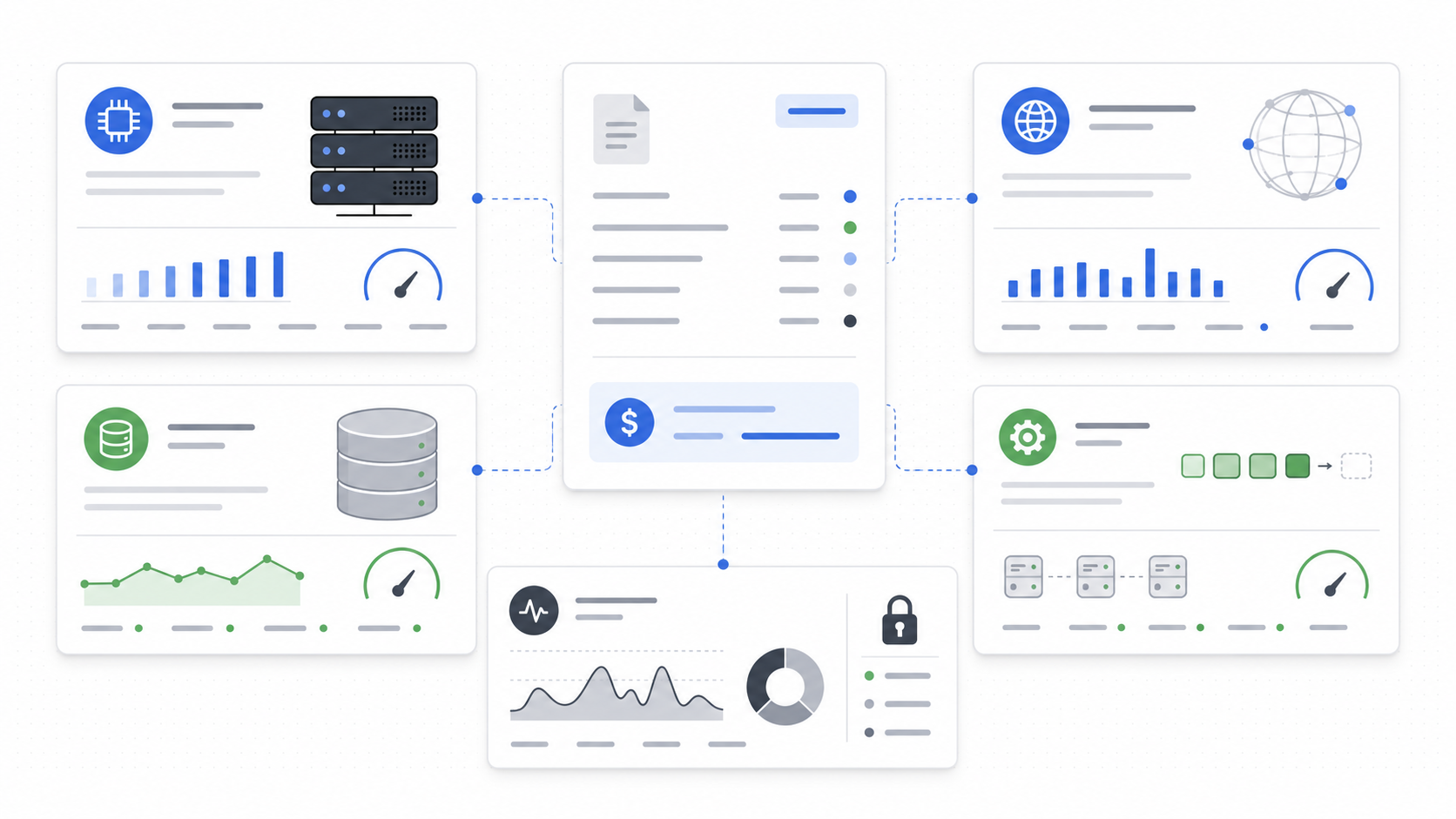
- Compute: web services, workers, cron jobs, preview environments, and scaling replicas
- Memory: Node.js apps can be memory-sensitive, especially with SSR, queues, or large dependency trees
- Bandwidth: API responses, file downloads, images, and webhook traffic add up quickly
- Database: managed Postgres backups, replicas, connection limits, and storage growth
- Redis or queues: caching, rate limiting, background jobs, sessions, and pub/sub
- Build minutes: monorepos and large Next.js builds can cost more than the runtime itself
- Logs, support, and compliance: retention, streaming, APM, error tracking, SLAs, SSO, audit logs, and premium support tiers
The best way to compare platforms is to price a realistic production stack, not the smallest possible configuration:
| Component | MVP estimate | Growth estimate | Question to ask |
|---|---|---|---|
| Web service | 1 small always-on instance | 2+ instances or autoscaling | Does the platform support zero-downtime deploys and health checks? |
| Worker | 0-1 worker | Multiple queues or process types | Are workers priced separately from web services? |
| Database | Small managed Postgres | Larger storage, backups, replicas | What happens when connections or storage grow? |
| Cache/queue | Optional | Redis or managed queue required | Is it first-party, add-on, or external? |
| Logs | Basic dashboard | Longer retention and log drains | Can you export logs to an external provider? |
| Bandwidth | Low | Meaningful monthly egress | Are overage rates clearly documented? |
Here is a practical example of how costs diverge across platforms for the same workload:
// Cost modelling for a typical Node.js SaaS at moderate traffic
// 2 web services, 1 worker, managed Postgres, Redis, 100 GB egress

interface PlatformEstimate {
  platform: string;
  monthlyLow: number;
  monthlyHigh: number;
  notes: string;
}

const estimates: PlatformEstimate[] = [
  {
    platform: 'Render',
    monthlyLow: 85,
    monthlyHigh: 150,
    notes: 'Web services + worker + Postgres + Redis; bandwidth extra',
  },
  {
    platform: 'Railway',
    monthlyLow: 60,
    monthlyHigh: 180,
    notes: 'Usage-sensitive; heavy egress months cost more',
  },
  {
    platform: 'Fly.io',
    monthlyLow: 50,
    monthlyHigh: 130,
    notes: 'Infra pricing; Postgres is separate via managed or self-hosted',
  },
  {
    platform: 'Heroku',
    monthlyLow: 100,
    monthlyHigh: 300,
    notes: 'Standard dynos + managed Postgres + Redis add-ons',
  },
  {
    platform: 'DigitalOcean App Platform',
    monthlyLow: 70,
    monthlyHigh: 140,
    notes: 'Predictable tier pricing; managed DB extra',
  },
  {
    platform: 'Vercel',
    monthlyLow: 40,
    monthlyHigh: 200,
    notes: 'Only suitable if backend is serverless functions; Postgres external',
  },
  {
    platform: 'VPS (Hetzner)',
    monthlyLow: 30,
    monthlyHigh: 80,
    notes: 'Server cost only; you manage everything including Postgres',
  },
];
A note of caution: these estimates vary dramatically based on traffic patterns, region choices, and add-on selections. Always build a cost model specific to your app before committing.
Recommended Shortlist by Use Case
If you want the fastest route to a small SaaS MVP, start with Railway or Render. Railway is especially smooth for rapid iteration; Render is stronger when you already know you need web services, workers, cron, and managed data services.
If you are building a Next.js-first SaaS with light backend logic, start with Vercel and move heavier backend processes elsewhere when function limits become a bottleneck. Many successful teams run a hybrid: Vercel for the frontend and API routes, Render or Railway for background workers and WebSocket services.
If global latency or WebSockets matter, shortlist Fly.io early. Its edge deployment model is a genuine differentiator for real-time features, multiplayer collaboration, and latency-sensitive APIs that need to run close to users.
If maturity and conventions matter more than lowest cost, evaluate Heroku. The dyno model, add-on ecosystem, and predictable scaling still make it a solid choice for teams that value stability over novelty.
If you want clear container sizing inside a broader cloud account, consider DigitalOcean App Platform. It is particularly practical for teams already using DigitalOcean for droplets, managed databases, or Spaces.
If cost is the top constraint and you have Linux skills, a VPS is still valid. But be honest about the operational overhead: backups, patching, monitoring, and incident response all take time away from building your product.
Here is a decision flow summarized in code:
function recommendHosting(requirements: HostingRequirements): string[] {
  const shortlist: string[] = [];

  if (requirements.alwaysOnProcesses && requirements.backgroundWorkers) {
    shortlist.push('Render', 'Heroku');
  }

  if (requirements.websockets || requirements.multiRegion) {
    shortlist.push('Fly.io');
  }

  if (requirements.previewEnvironments && !requirements.backgroundWorkers) {
    shortlist.push('Railway');
  }

  if (!requirements.alwaysOnProcesses && !requirements.backgroundWorkers) {
    shortlist.push('Vercel');
  }

  if (requirements.fixedMonthlyBudget) {
    shortlist.push('DigitalOcean App Platform', 'VPS');
  }

  return [...new Set(shortlist)];
}
Publishing Checklist: Before You Pick a Platform
Before committing a production Node.js SaaS app to a host, answer these questions thoroughly. A “yes” to all of them means you are ready to deploy. A “no” or “I don’t know” means you have more investigation to do.
- Process model: Does the app need long-running processes, WebSockets, workers, or cron jobs? Map every runtime component before choosing a platform.
- Runtime support: Can the platform run your Node.js version and package manager? Check LTS support policies.
- Deploy safety: Are deploys zero-downtime, and can you roll back quickly? Test rollback speed in staging before relying on it in production.
- Infrastructure as code: How are migrations, secrets, logs, and health checks represented? Prefer platforms that support declarative configuration (
render.yaml,fly.toml,railway.json,app.json). - Resource limits: What happens when the app exceeds memory or bandwidth limits? Does the platform throttle, charge overages, or crash?
- Cost projection: What does the bill look like at 10x your current traffic? Model this with your expected growth before the first production deploy.
- Observability: Can you export logs to an external provider (Datadog, Grafana, Axiom)? Do you have health check endpoints that the platform can probe?
- Database strategy: Is the database managed by the same provider, or will you use an external service like Neon, Supabase, or PlanetScale? Factor connection latency into your decision.
- Secrets management: How are environment variables injected? Can you rotate secrets without redeploying?
- Compliance and support: Do you need SSO, audit logs, a DPA, or premium support? Check which plan level unlocks these features.
Conclusion
For most small SaaS teams, the best Node.js hosting decision starts with workload shape, not platform hype. If you need a practical default, compare Render and Railway first. If your app is frontend-first, include Vercel. If latency and persistent connections matter, look at Fly.io. If maturity matters, include Heroku. If you want clear container sizing inside a broader cloud account, include DigitalOcean App Platform. If you need the lowest fixed cost and can operate servers, a VPS is still valid.
The safest approach is to price your real architecture, not the smallest possible deployment: web service, worker, database, cache, logs, bandwidth, preview environments, and support. Run the numbers at your current scale and at 10x. The right platform is the one that matches your workload shape, your team’s operational skill, and your budget across both dimensions.